
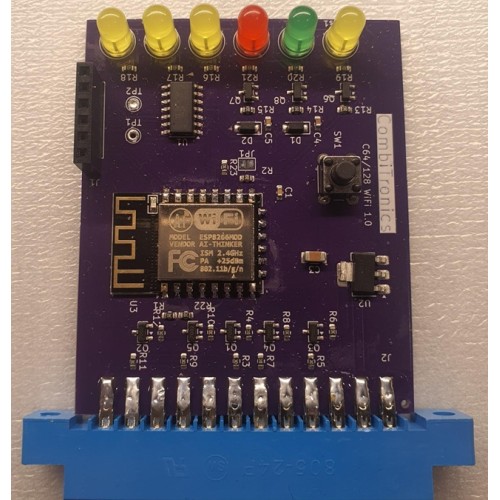
Back to the old days!
Online there are several BBS-es you can access, like when we used to with a modem on a phone-line.
Use this device, connect ti to wifi, and have fun visiting any BBS online, or run your own.
First power off your Commodore.
Plug C64-WiFimodem in the User Port of your C64.
Start your C64 and load a terminal program, preferrable CCGMS 2017 V6, which is the terminal supported by this modem.
Now you should see the modem display telling you to press Return.
Change your terminal to ASCII mode and 300 baud.
Press
F7to enter CCGMS settings.
PressBa couple of times until baud shows '300'.
Then pressRETURNto go back to terminal mode.
Back in terminal mode you pressF8(Shift+F7) to change to Anscii.Press
RETURN, and you should see a welcome message in your C64 terminal.type
AT?and you should see some help.
C64 Hayes wifi modem
- Product Code: C64WIFI
- Availability: In Stock
-
30.00 €